
Invoicing & Payments
Send the invoice before you leave the driveway
Turn a finished job into a branded invoice in a tap, and let the customer pay by card or bank transfer right from it. Sesklo tracks what's owed, sends the first overdue reminder for you, and keeps every dollar tied to the job it came from.
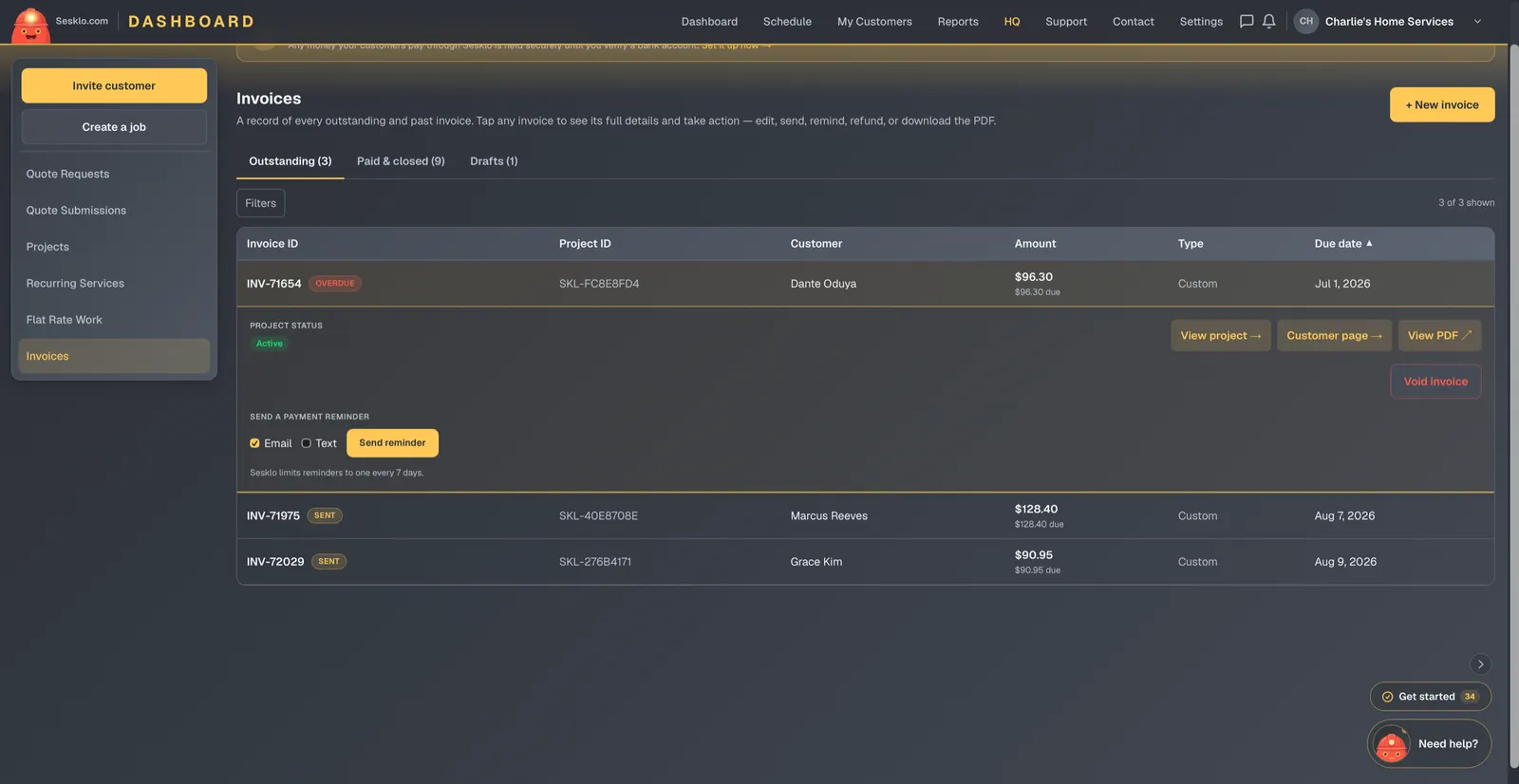
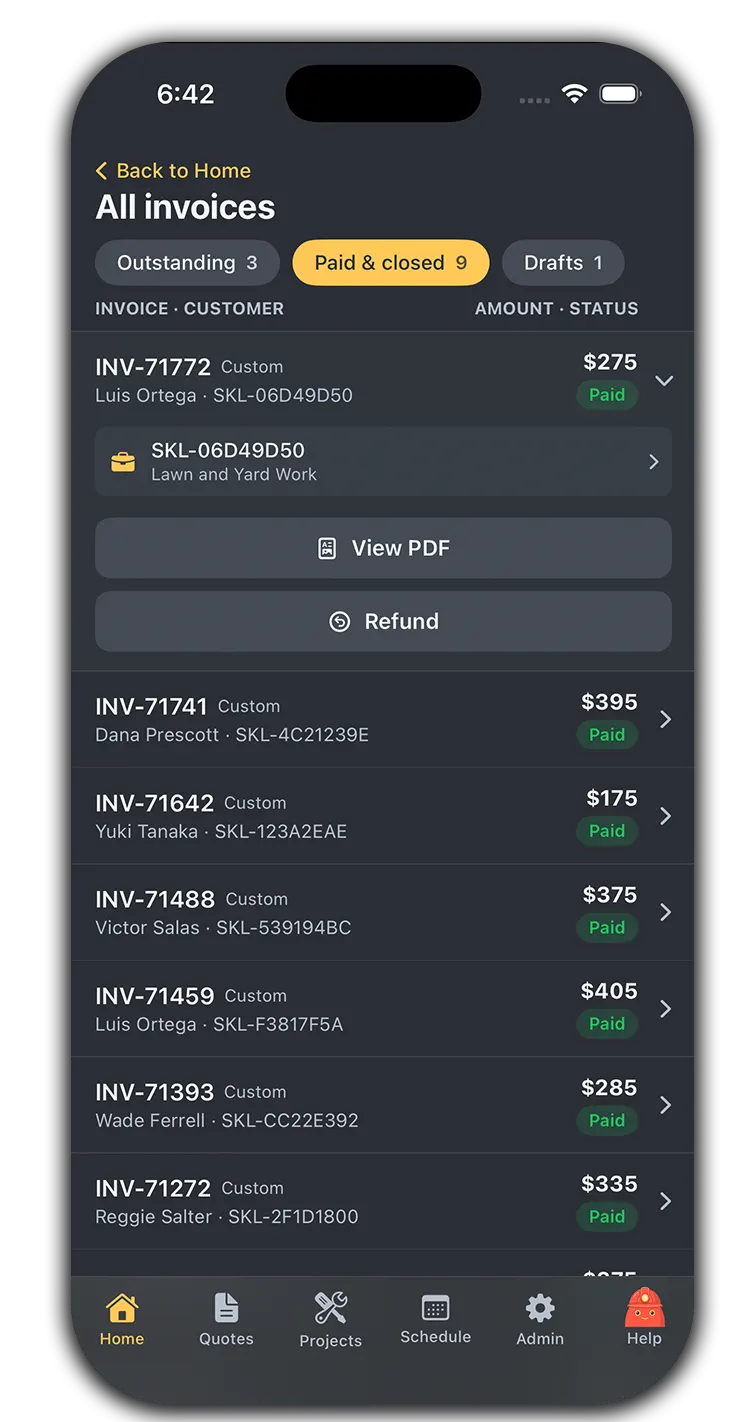
Every job is a running ledger
Sesklo treats each job as a ledger: the quote, deposits, progress payments, and the final invoice all live on the same record, so you always know exactly what a customer has paid and what’s still owed — without adding it up by hand.
Get paid the way the customer wants to pay
Invoices take a card or a bank transfer (ACH), and Apple Pay and Google Pay appear on their own on devices that support them. Bank payments take a few extra days to reach you. Your customer pays a Sesklo platform fee of 3% + $1.35 on each payment, on top of your price; it does not come out of what you’re paid. Each payout to your bank carries Stripe’s payout fee of 0.25% + $0.25, passed through at cost with no markup.
The first overdue reminder sends itself
Sesklo checks for overdue invoices every day and emails your customer a reminder the first time one goes past due, so the first “just following up” doesn’t have to come from you. After that, a follow-up by email or text is one tap — at most once a week per invoice. Overdue and open balances surface on your dashboard before they become a problem.
Numbers that hold up
Sesklo’s invoice numbers run in one sequence across the whole platform, so a customer never sees the same Sesklo number from two providers. Refunds are handled cleanly — a refunded invoice stays on the record with the refund itemized, so your books and your customer’s receipt always match.
Branded, and on every device
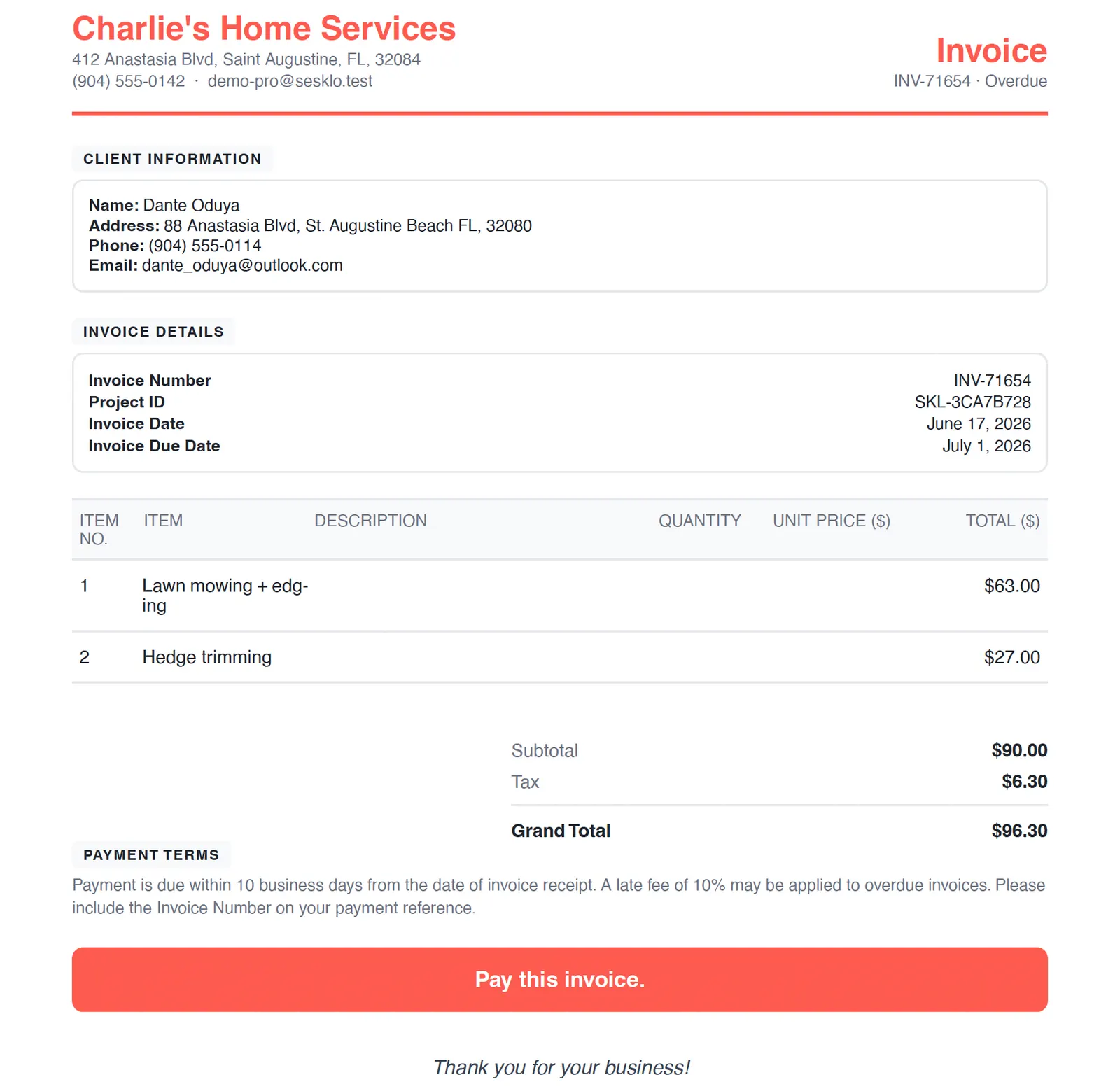
Invoices carry your business name and look the part as a PDF or an emailed link. You can create, send, and get paid from the web or the mobile app, in the office or in the field.
Works with QuickBooks Online
Connect your QuickBooks company and Sesklo sends your invoices, payments and refunds to it, plus one bank deposit for each Stripe payout. Payments you record in QuickBooks come back to Sesklo. It’s included on every plan and set up on the website.
Don’t have QuickBooks Online yet? Sign up through Sesklo’s referral link and Intuit gives new subscribers up to 50% off for the first 3 months. Sesklo may earn a referral fee from Intuit if you subscribe.
From the Sesklo blog
Stop waiting to get paid
Invoicing and online payments are included on every plan.