
Scheduling & Dispatch
A dispatch board your whole crew can run from
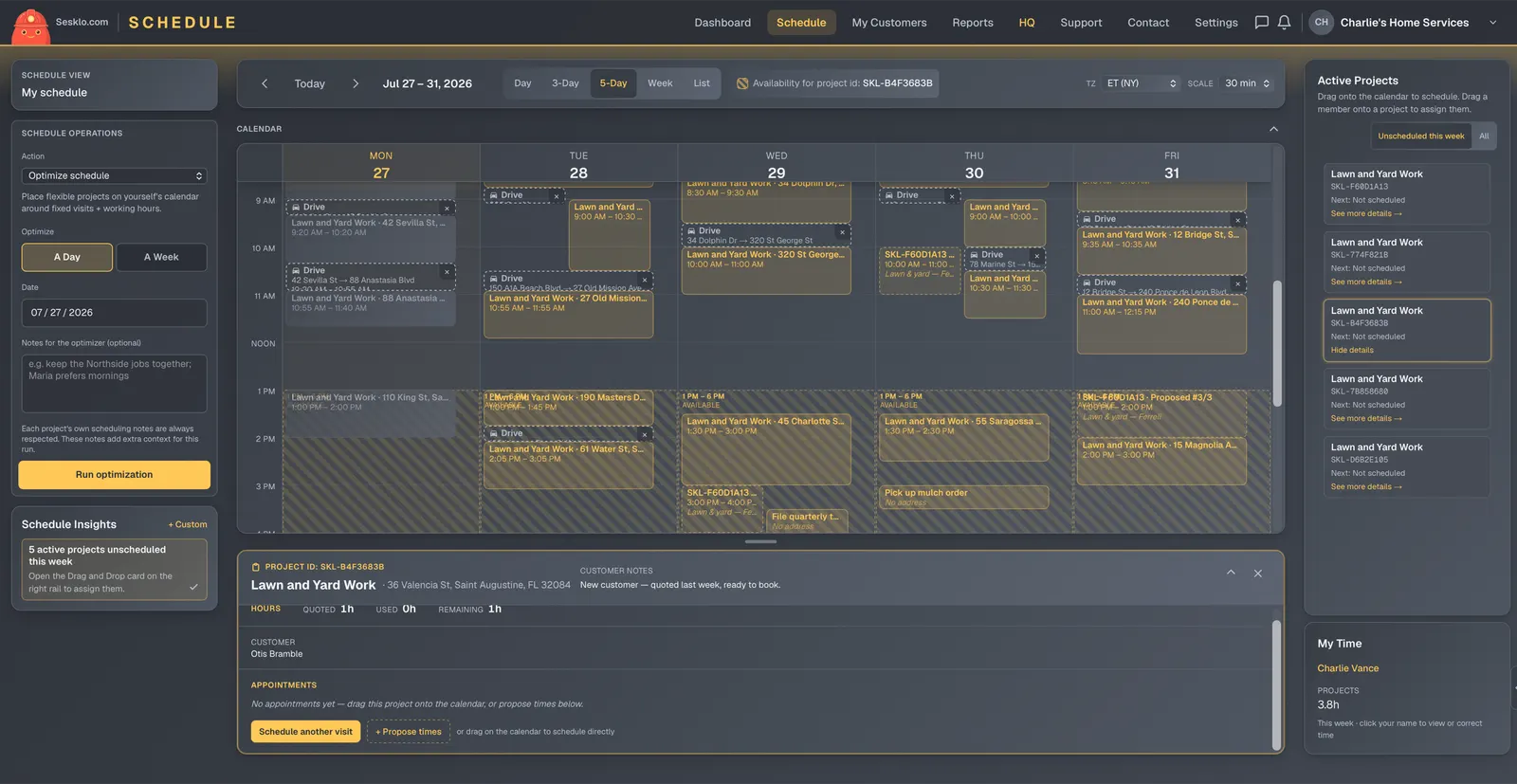
Sesklo’s scheduling software is a drag-and-drop calendar board built for the field: drop a job onto a day to schedule it, drag it to move it, assign a tech or a whole crew, and let Sesklo order the day’s stops by drive time. It’s not a calendar bolted onto an invoice tool — the schedule is wired to the job, the quote, the invoice, and the work log.
Schedule by dragging, not by typing
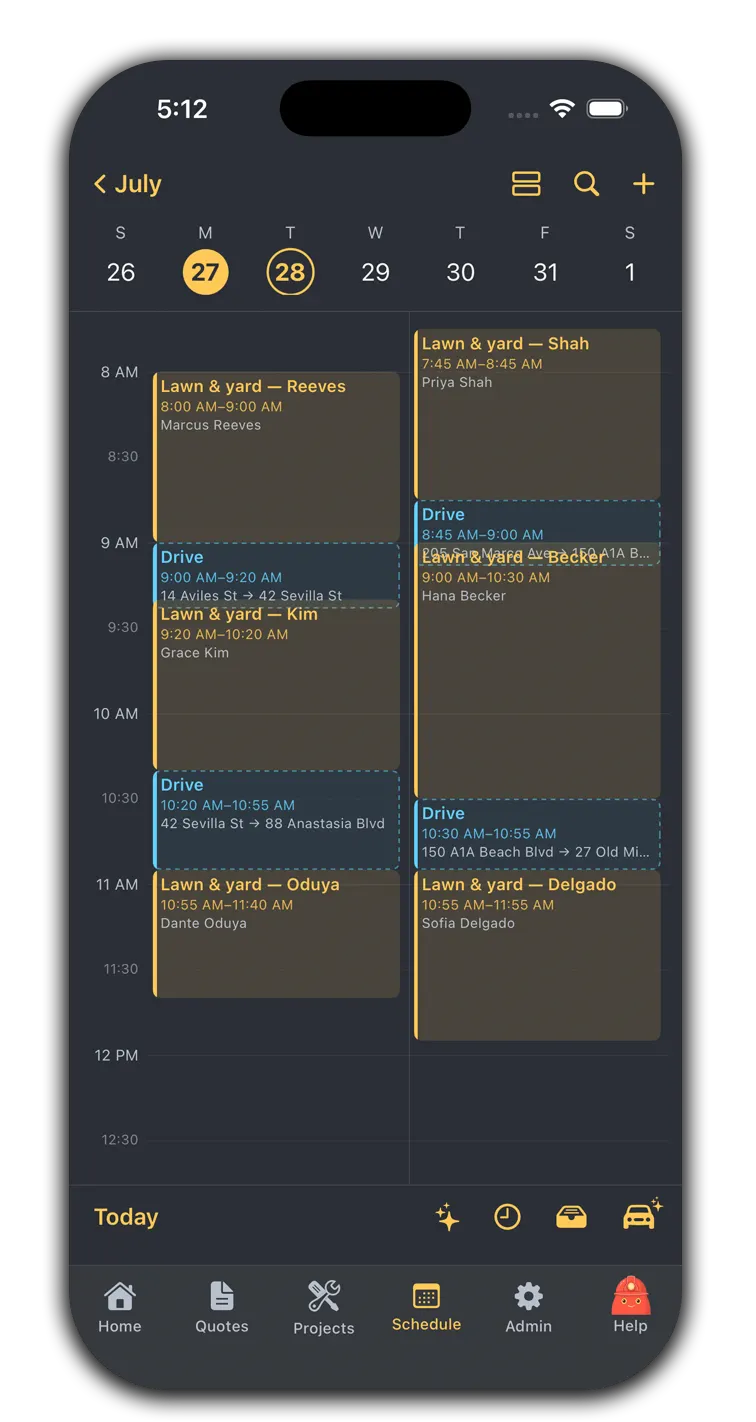
The board is a real calendar grid, not a list. Drop an accepted job onto a day and time to schedule it; drag it to reschedule. On a phone in the truck, a tap-to-place fallback does the same thing without the drag. Every change is instant and the customer can be notified automatically.
See your day, your tech’s day, or the whole team
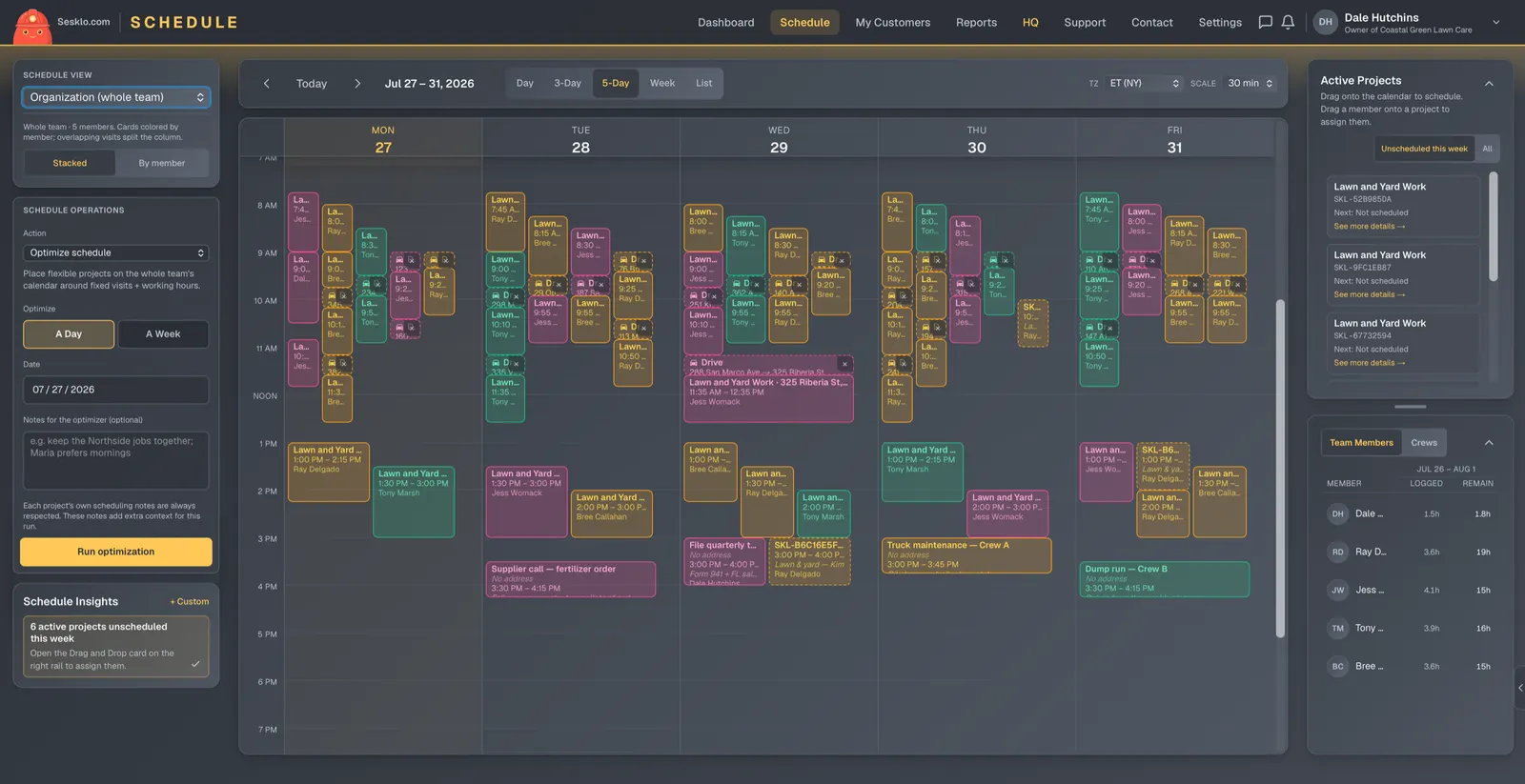
A scope picker switches the board between your own schedule, one technician, or the entire team at once — and lets an owner or admin “view as” a specific tech to see exactly what they see. Group techs into crews and schedule a whole team to a job in one step instead of assigning them one by one.
Let routes plan themselves
Sesklo can order a day’s stops by drive time using live mapping data, so a tech isn’t crossing town twice. Route optimization is owner-controlled, so you decide when to re-sequence a day rather than having it shuffle underneath your crew.
Let customers book the slots you open
Set your availability and customers self-schedule into it from their own portal — no phone tag. You stay in control of what’s bookable, and every appointment they pick lands on the same board your crew works from.
Connected to the rest of the job
Because scheduling lives on the same platform as everything else, a scheduled visit already knows the job, the quote, and the customer. When the visit is done, the work log and the invoice are one step away — not a re-entry into another app.
Put your schedule on autopilot
Scheduling is included from the Basic plan up.